
What Project Valhalla Means for Video Production Tools
Java's Project Valhalla lands in JDK 28 and its performance gains are quietly reshaping the software powering your edit suite.
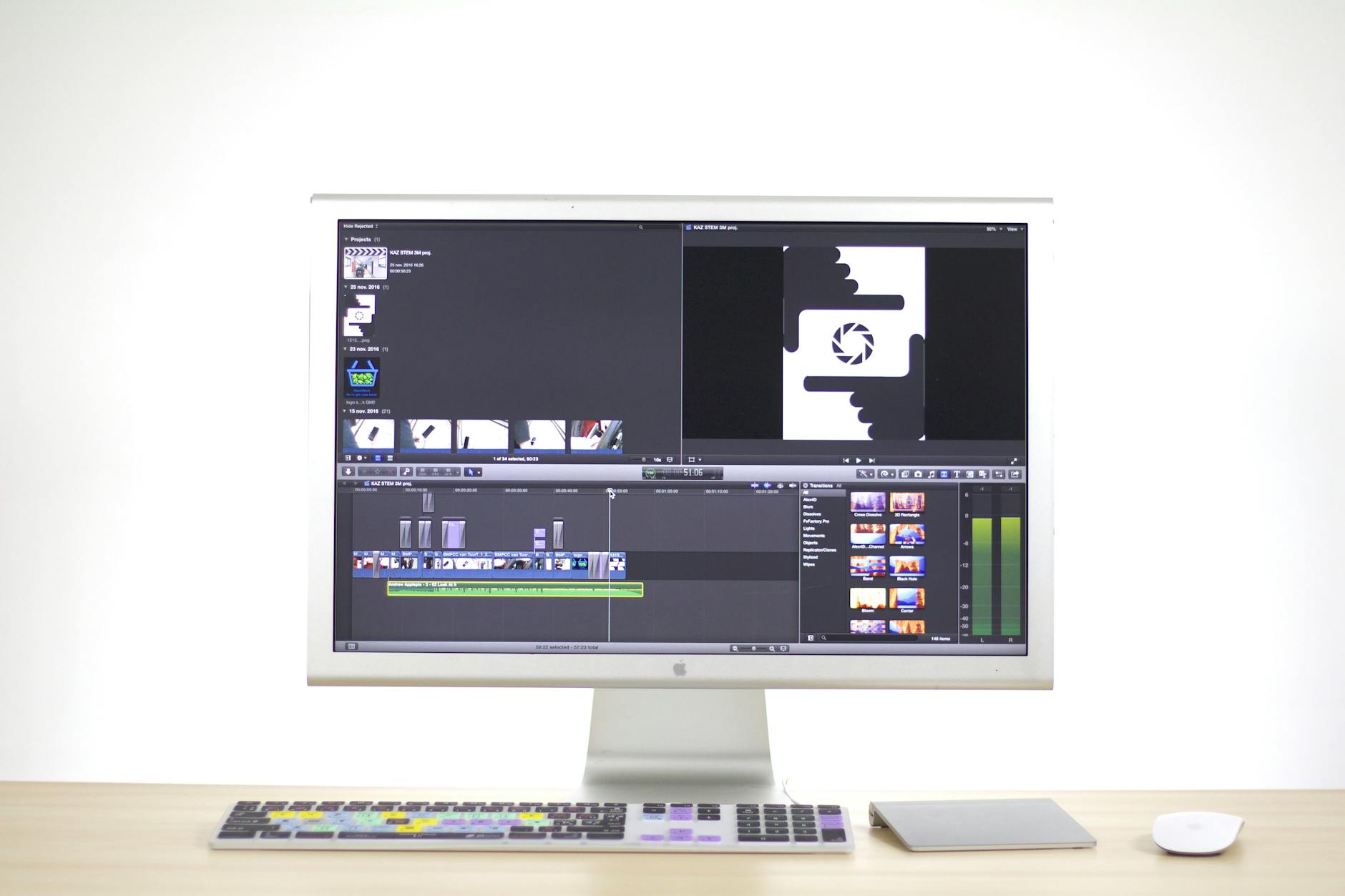
JDK 28 ships with Project Valhalla finally baked in, and if you're wondering why a Java specification matters to someone who spends their days color grading or cutting multicam timelines, stick with me. The performance architecture underneath your editing software, your on-set metadata tools, and your studio's asset management pipeline is about to get meaningfully faster.
What Project Valhalla Actually Is
Project Valhalla is a long-running initiative inside the Java programming language ecosystem. Its goal: make the Java Virtual Machine (JVM, the runtime engine that executes Java programs) treat data more efficiently by introducing value types (small, flat data objects that don't carry the memory overhead of traditional Java objects). That's the short version.
The decade-long build means the implementation isn't a rough prototype. It's a mature overhaul. For you as a filmmaker or post-production professional, that means the applications built on Java or running inside a Java-based backend get a genuine speed boost and lower memory consumption, not a marketing promise.
"Value types in Valhalla can reduce heap allocation pressure significantly, which directly affects latency in real-time data-heavy applications."
Translate that sentence into production terms: faster scrubbing, snappier metadata reads, smoother playback on complex timelines.
Why Post-Production Software Runs on Java More Than You Think
You'd be surprised. Most filmmakers think of their edit suite as a native macOS or Windows app and leave it there. But a huge slice of the infrastructure beneath professional media tools relies on Java or JVM-based languages.
Digital asset management (DAM) systems, the platforms that catalog your media, track versions, and manage project libraries across a studio, are very commonly built on Java stacks. Media asset workflow engines that route files from camera department to editorial to finishing lean on Java-based middleware. Even some plugin architectures and scripting layers inside professional NLEs (non-linear editors) interface with Java-based services running in the background.
So when JDK 28 ships with Valhalla's value types as a production-ready feature, the software vendors you depend on can start rebuilding their hottest code paths to exploit it. That trickles down to you on deadline.
What Changes on a Real Production Timeline
Let's get specific about where you'd actually feel this.
Metadata and Logging Speed
On a large commercial shoot or a documentary with hundreds of hours of footage, your assistant editor or DIT (digital imaging technician, the person managing data on set) spends enormous time ingesting, logging, and syncing metadata. Tools that query and write metadata in bulk are doing thousands of tiny object operations per second. Valhalla's value types reduce the memory allocation cost of each of those operations. The aggregate gain across a full ingest session could shave real minutes off your day.
Proxy Generation Pipelines
Many studio proxy (lower-resolution editing copy) workflows run through server-side transcoding pipelines that have Java somewhere in the chain, handling job orchestration and file routing. Faster, leaner memory handling means those pipelines can push more concurrent jobs without choking. You get your proxies back faster. You start cutting sooner.
Real-Time Collaboration Tools
Remote editing and cloud-based collaboration tools have exploded since 2025. The server infrastructure managing session states, user permissions, and live project sync for those tools is overwhelmingly Java-backed. Lower latency on the server side shows up as a more responsive experience on your end, fewer dropped frames during review sessions, and smoother cursor sync when you're cutting alongside a remote colorist.
What This Means for Gear and On-Set Technology
Here's where it gets interesting from a camera and gear angle.
Camera manufacturers and third-party developers are building increasingly sophisticated on-set tools: live metadata capture apps, lens data recorders, remote monitoring dashboards. As these tools mature and move toward tighter integration with cloud pipelines, many of them spin up lightweight server processes or sync engines on set laptops or local NAS (network-attached storage) devices. If those sync engines are JVM-based, Valhalla-era JDK 28 makes them leaner and more responsive on modest hardware.
Think about a solo documentary filmmaker running a MacBook Pro M4 as their primary field machine. Every background process that runs more efficiently means more thermal headroom and battery life for the actual capture and monitoring tools you care about. That's not hypothetical. That's how resource contention works in practice.
The Vendor Response Timeline
Valhalla hits JDK 28 in 2026. Realistically, you'll start seeing software vendors announce Valhalla-optimized builds through late 2026 and into 2027. The companies with the largest engineering teams move first. Smaller plugin developers and boutique toolmakers follow. It's not instant, but the runway is here now.
If you're on a studio or facility level buying or recommending software licenses, this is the moment to start asking vendors directly: what's your JDK 28 migration roadmap? You'll get a clearer picture of who's investing in performance and who's coasting.
How to Position Your Workflow for the Shift
You don't need to write a line of Java to take advantage of this. But you do need to make a few practical moves.
- Audit which tools in your pipeline have Java dependencies. Your IT team or the software vendor's system requirements page will tell you. Look for any mention of JRE (Java Runtime Environment) or JDK version requirements.
- Keep your runtime environments current. If your facility is still running JDK 11 or JDK 17 on your media servers because it's "stable," make a case for a staged upgrade path toward JDK 21 now, with JDK 28 as the target. Jumping directly to 28 from an ancient runtime isn't trivial.
- Follow vendor release notes more closely than usual over the next 12 months. Performance changelogs that mention JVM upgrades or memory optimization are your signal that Valhalla work is landing in the build you're using.
- Test with your actual footage. When a vendor drops a Valhalla-optimized build, benchmark it against your real-world workload, not a synthetic test. Pull up your heaviest multicam project or your biggest ingest job and time it. That's the only metric that matters to you.
"Asking your software vendor for their JDK 28 roadmap in 2026 is the same move as asking about Apple Silicon support back in 2021. The early adopters on the creative side got the performance wins first."
Key Takeaways
- Project Valhalla's value types are now production-ready in JDK 28, reducing memory overhead in Java applications that power a surprising amount of post-production infrastructure.
- DAM systems, proxy pipelines, and remote collaboration tools all stand to get faster as vendors rebuild their code to use the new JDK 28 capabilities.
- On-set tools that sync metadata or manage storage over a local network benefit from leaner JVM processes, freeing resources on production laptops and NAS devices.
- The practical gains for filmmakers will arrive in waves through late 2026 and 2027, as software vendors ship Valhalla-optimized releases.
- Ask your vendors directly about their JDK 28 migration plans. It's a simple question that separates performance-focused tools from ones falling behind.
Frequently Asked Questions
Q: Do I need to understand Java to benefit from Project Valhalla?
A: Not at all. You'll benefit as a filmmaker simply by keeping your production software and its underlying Java runtimes updated. The performance gains arrive through your existing tools once vendors ship updated builds targeting JDK 28.
Q: Which type of filmmaking workflow benefits the most?
A: High-volume documentary and commercial workflows with heavy ingest, metadata logging, and remote collaboration will feel the gains earliest. Smaller narrative productions running lean single-machine setups will see modest improvements but won't feel the same dramatic shift as facility-level pipelines.
Q: How do I know if a specific tool in my pipeline uses Java?
A: Check the system requirements page for the application. If it lists a minimum Java version or ships with a bundled JRE, it's Java-based. You can also check your system's running processes during use and look for any process labeled "java" or "javaw."