
Optocam Zero: Build Your Own Digital Camera for Filmmaking
The Optocam Zero is a DIY digital camera built on a Raspberry Pi Zero 2 W. Here's what filmmakers need to know about building and using one.
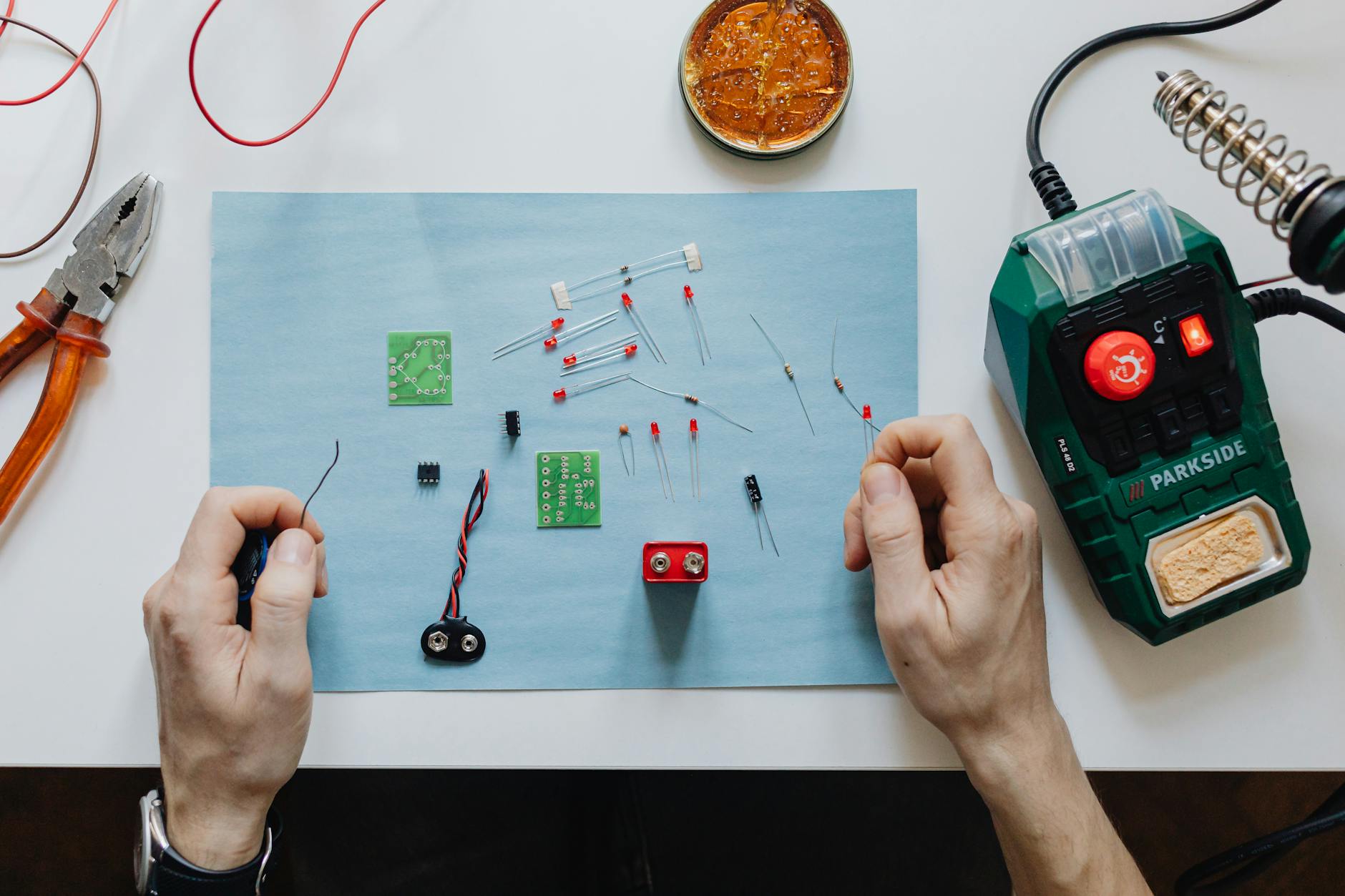
The Optocam Zero is a pocket-sized DIY digital camera built entirely from off-the-shelf components around a Raspberry Pi Zero 2 W (a credit-card-sized single-board computer). If you've ever wanted to understand your camera from the circuit board up, or build a custom rig for experimental filmmaking, this project is worth your full attention.
What the Optocam Zero Actually Is
The Optocam Zero is an open-source camera project designed to be assembled by anyone with basic electronics knowledge and a few hours to spare. The brain is a Raspberry Pi Zero 2 W, paired with a compatible camera module, a small display, some tactile buttons, and a battery pack. Everything is available from general electronics retailers. No proprietary parts, no waiting on back-ordered specialty components.
The result is a compact, functional digital still camera that fits in your palm. It's not shooting 6K RAW. That's not the point. The point is that you built it, you own every decision in it, and you can modify it any way you want.
For filmmakers, that last part is the real story.
Why Filmmakers Should Pay Attention to DIY Camera Builds
Most of us never think about what's actually happening inside a camera. We press record, light our scene, and trust the engineering teams at Sony or ARRI did their jobs. That's fine for professional work. But understanding image capture at a hardware level makes you a significantly better shooter.
Building something like the Optocam Zero forces you to think about:
- Sensor size and its direct relationship to depth of field and light sensitivity
- How image signal processing (ISP, the chip that converts raw sensor data into a viewable image) shapes the look of footage before you ever touch color grading
- Why shutter speed, framerate, and exposure are physically linked, not just menu settings
- How lens mount design affects which glass you can use
You don't have to build one to learn these things. But building one makes them stick in a way that reading a manual never does.
"Understanding your tools at a fundamental level doesn't make you a better technician. It makes you a better visual storyteller."
What You Can Actually Shoot With It
Let's be honest about the Optocam Zero's imaging capabilities. The Raspberry Pi camera modules it supports are capable of decent stills and basic video, but they're not going to replace your Sony FX3 or Blackmagic Cinema Camera 6K on a narrative shoot. The dynamic range is limited, low-light performance is modest, and the lens options are constrained by the small M12 or CS-mount formats typical of Pi camera modules.
What it's genuinely good for:
- Experimental and lo-fi aesthetic projects where grain and limitation are intentional creative choices
- Time-lapse photography, where the Pi ecosystem has a long track record
- Miniature spy-cam or hidden-camera setups for documentary or guerrilla filmmaking
- Teaching camera operation to students or collaborators on a zero budget
- Prototype testing for custom camera rigs, like building a helmet cam or a wearable POV rig before committing to expensive hardware
Some music video directors and short-film makers have been leaning hard into degraded, lo-fi aesthetics over the past couple of years. If that's your visual language, the Optocam Zero produces images that feel genuinely raw in a way that's hard to fake in post.
Building the Optocam Zero: What the Process Looks Like
The build uses the Raspberry Pi Zero 2 W as the processing unit, connected to a camera module via a ribbon cable (a thin, flexible connector strip used to link components in tight spaces). A small IPS display (a type of LCD screen with good color accuracy and viewing angles) handles the viewfinder and review functions. Physical buttons handle shutter, navigation, and settings.
The housing can be 3D printed from community-shared files, which means you can customize it for your grip preference or mount it directly to a cage or rig. Power comes from a standard lithium battery pack, which means you're charging via USB and swapping batteries the same way you would a small monitor.
Software is where things get genuinely interesting. The camera runs on a Raspberry Pi OS build with open-source camera software, meaning you can write your own shooting modes, adjust image processing parameters directly, or integrate the camera into larger automated systems. If you know even basic Python, the ceiling for customization is very high.
Practical Limitations to Plan Around
The ribbon cable connection between the Pi Zero and the camera module is fragile. On a working production set, any hard knock or flex can interrupt the connection. If you're building this for a specific shoot, build a second one as backup, or at minimum have spare ribbon cables on hand.
Battery life will depend on your configuration, but Pi Zero 2 W draws relatively low power. Expect a few hours of active use from a modest battery pack, which is comparable to many mirrorless cameras on their factory batteries.
How This Fits Into a Working Filmmaker's Toolkit
Nobody's saying the Optocam Zero replaces your A-camera. But it has legitimate production uses that more expensive cameras can't match.
Consider a documentary situation where you need a camera that can be completely hidden, or one that your subject can carry without thinking about it. A small, custom-built device that looks nothing like a recognizable camera changes the dynamic entirely. I've seen shoots where the presence of a traditional camera body changes how people behave on camera, even when they're supposedly comfortable. Something that looks like a hobby gadget removes that psychological barrier.
For no-budget shorts and experimental work, the Optocam Zero also functions as a second or third camera where the look difference between it and your main camera is a deliberate stylistic choice, like cutting between a clean 4K image and the rawer Pi footage for contrast.
The build cost, reportedly around $50 to $80 USD depending on the specific components and housing you choose, makes it one of the most affordable cameras a filmmaker can actually own outright and modify completely.
The Larger Trend: Open-Source Hardware in Film Production
The Optocam Zero is part of a broader shift in 2026 toward filmmakers engaging more directly with open-source hardware and software. We're seeing this in camera control systems, lens motors for follow-focus rigs, and even basic lighting control boards being built from commodity components by small crews who can't afford commercial equivalents.
This matters because it democratizes production capability. A crew in a city with no rental house and a $500 budget can build functional camera and lighting control infrastructure that would have cost thousands five years ago. The Optocam Zero is a symbol of that shift as much as it is a functional camera.
The skill set it builds, basic electronics, Linux (an open-source operating system widely used in embedded devices), and Python scripting, is increasingly valuable on production sets where custom tech solutions are being built in-house rather than rented.
Key Takeaways
- The Optocam Zero is a fully functional DIY digital camera built on a Raspberry Pi Zero 2 W using standard, purchasable components
- It's not a professional cinema camera, but it has real uses in experimental filmmaking, hidden-camera documentary work, and teaching
- Building one teaches you image capture fundamentals that make you a more capable filmmaker across all your gear
- The open-source software stack lets you customize shooting modes and image processing in ways no commercial camera allows
- At reportedly $50 to $80 to build, it's one of the most affordable ways to add a fully owned, fully customizable camera to your kit
Frequently Asked Questions
Q: Can the Optocam Zero record video for film or video projects?
A: Yes, the Raspberry Pi camera modules support video recording, but resolution and frame rate options are modest compared to dedicated video cameras. It's best suited for lo-fi aesthetic work, time-lapse, or use cases where small size and customizability matter more than image quality.
Q: Do I need advanced programming skills to build and use one?
A: Basic familiarity with Raspberry Pi setup and simple command-line operations will get you through the build. Deeper customization of shooting modes or image processing will benefit from basic Python knowledge, but the core camera functionality works without any coding once it's assembled.
Q: Is this a good project for a film student or beginner filmmaker?
A: Absolutely. It's one of the best ways to learn how cameras actually work at a hardware and software level. The low cost means mistakes aren't expensive, and the hands-on process of building and configuring it teaches concepts that carry directly into understanding any professional camera system.